Shadecast for motorized window treatments
Sell the lifestyle, not the wall switch.
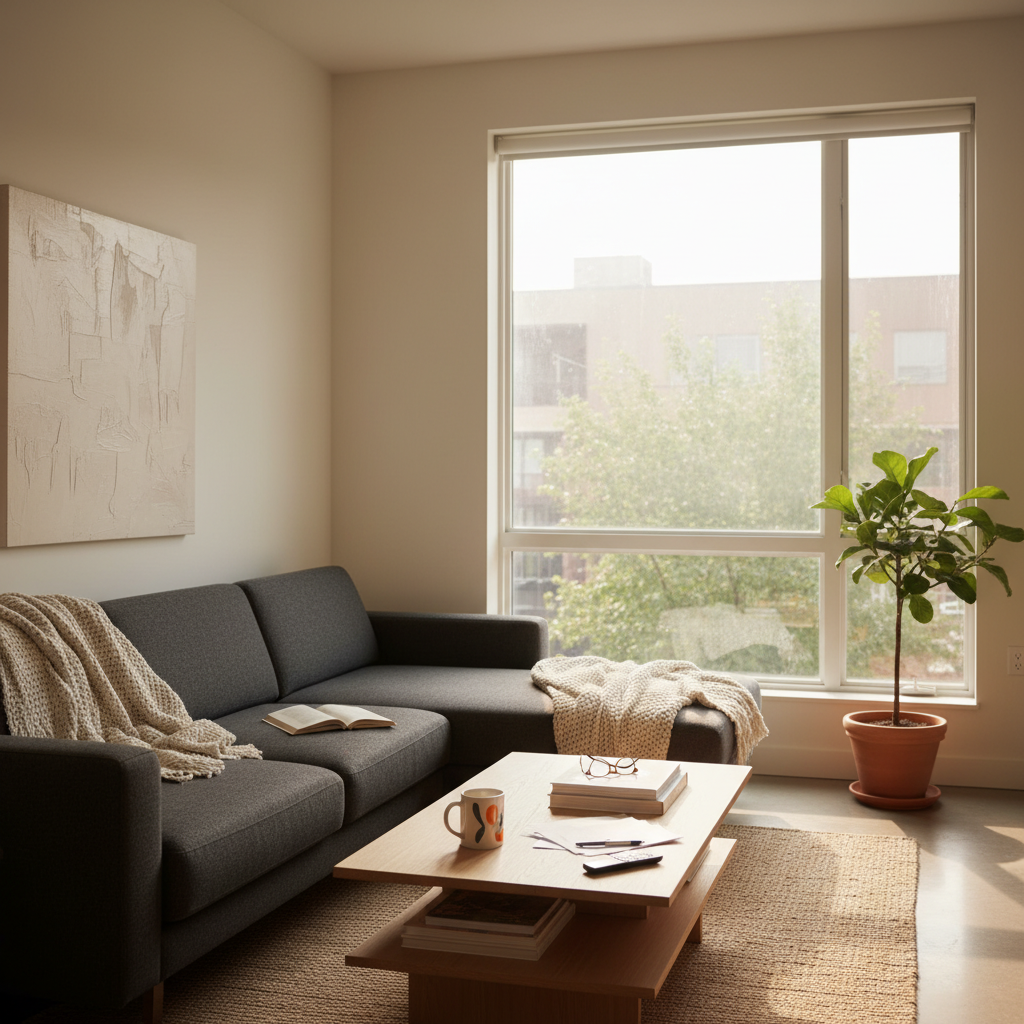
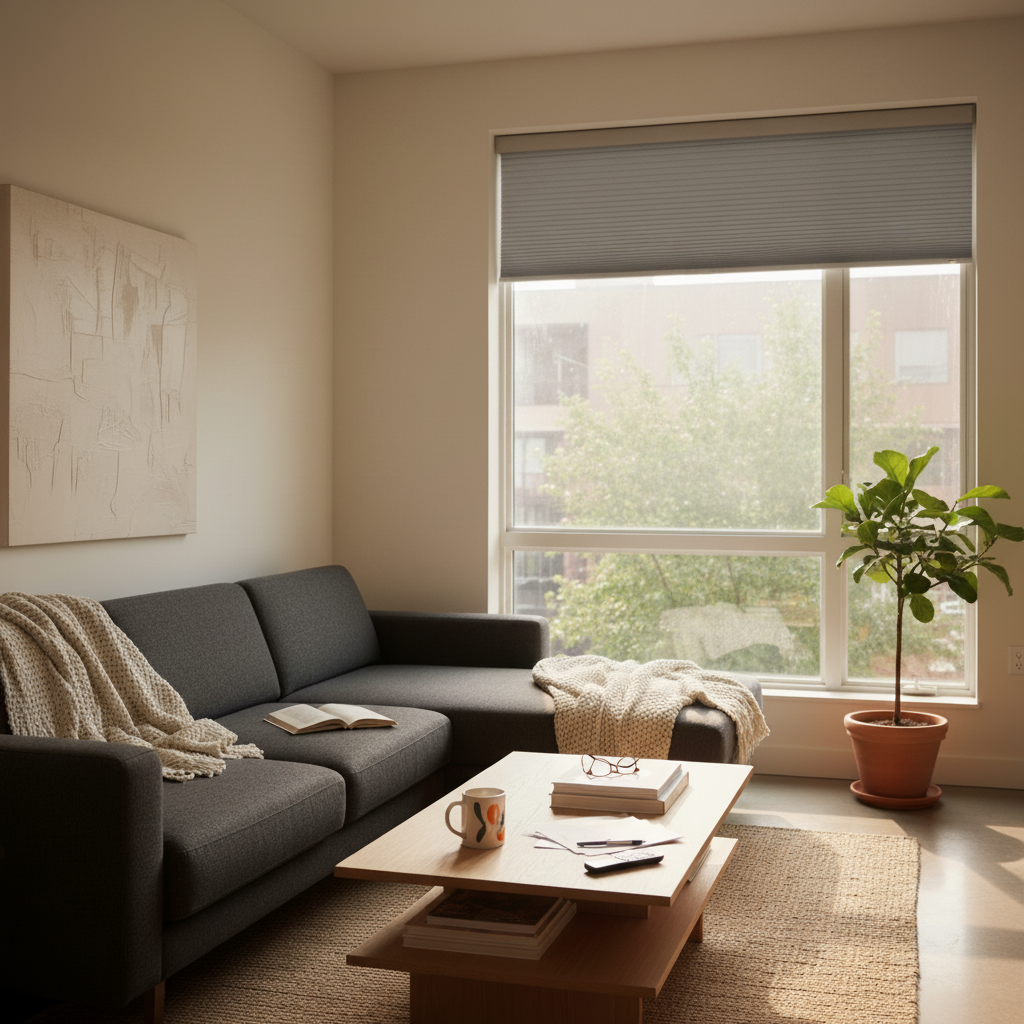
Motorized is the highest-margin upgrade in the bag and the hardest one to demo. Stop describing how cellular shades disappear at the touch of a button. Render the open and closed positions and let the customer see the magic.
No credit card · 7-day free trial · Cancel anytime
Why reps use Shadecast
Why reps use Shadecast for motorized.
Render open, closed and half
Motorized is about the state you usually live in. Render the shade at 0, 50 and 100 percent on her wide window so she can see how the room transforms.
Sell the high window she cannot reach
Tall transoms, two-story foyers, sliders. The customer knows she needs motorized but cannot picture how it will look. Render it on the actual unreachable window and the objection vanishes.
Bundle the whole house
Render every motorized window in the project together. Customers buy the whole-house bundle when they see it visualized as one cohesive look, not as line items.
Real homes, real photos
Motorized is a lifestyle pitch, not a wiring pitch.
Reps lose motorized deals because they explain the technology instead of showing the result. Render the result on her wide window and the upgrade pays for itself in one quote.
How it works
Three steps from photo to closed deal.
Snap the window
Use your phone camera in the customer's home. Works with any photo, any lighting.
Describe the treatment
Type what you're quoting in plain English. Style, color, mount, brand, fabric, whatever the customer wants.
Send the render
Get a photorealistic result in seconds. Text it, email it, or show it on the spot.
FAQ
Questions, answered.
Can I show shades at different positions?
Yes. Type fully closed, half raised, fully raised. Render all three on the same window to show the range of light control.
Does it render the headrail and motor?
Yes. Type slim headrail, hidden motor, exposed bracket, in white or charcoal. Shadecast renders the hardware as part of the install.
Can I render dual motorized shades?
Yes. Sheer plus blackout dual rollers, both motorized. Type both layers and Shadecast renders the layered look.
Wide windows and slider doors?
Yes. Snap the wide window or slider, describe the configuration. The render keeps your photo's proportions.
Will the renders work for a whole-house quote?
Yes. Render every window in the project, save them under the customer, drop them into the proposal. Whole-house bundles close faster when they look like one cohesive design, not a parts list.
Does it work for skylights?
Yes. Type skylight cellular shade, motorized skylight blackout. Snap the skylight from below and Shadecast renders the install.